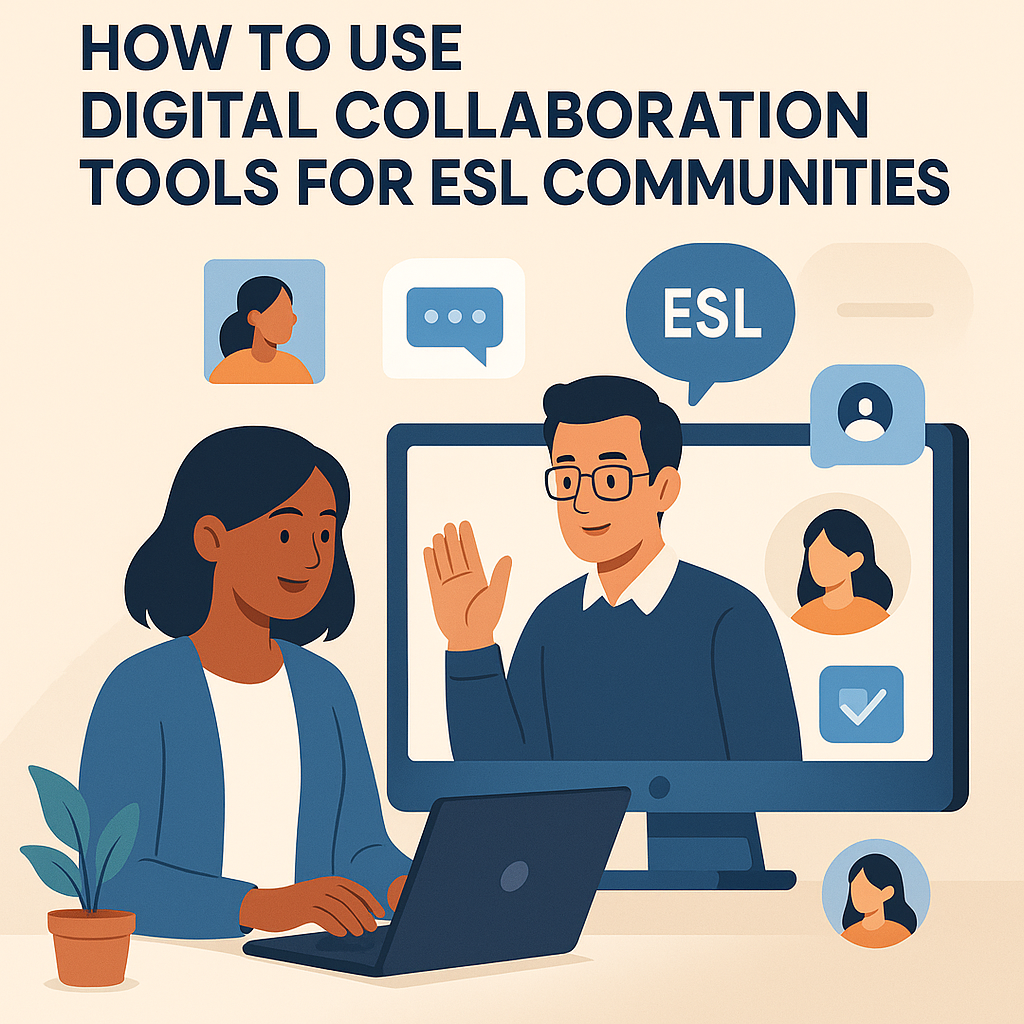
In today’s interconnected world, English as a Second Language (ESL) communities are leveraging technology to foster effective communication and learning. Digital collaboration tools, platforms designed to enable teams or groups to work together regardless of geographical barriers, are becoming integral to these communities. A digital collaboration tool can be anything from a simple messaging app to a comprehensive platform for file sharing, video conferencing, and project management. These tools matter significantly for ESL communities as they transcend linguistic and locational barriers, encouraging an inclusive environment for language learning and practice. The focus of this article is to explore the multitude of ways ESL communities can harness these tools effectively, ensuring that language barriers are minimized and learning outcomes are maximized.
Enhancing Communication with Real-Time Messaging Apps
Real-time messaging apps like Slack or Microsoft Teams are pivotal in ESL communities for enhancing daily communication. These applications offer instant messaging features that enable users to interact seamlessly, making language practice more consistent and less formalized. For example, consider an ESL study group spread across different continents. Leveraging a platform like Slack allows the group to create dedicated channels for various topics or projects. They can set up a dedicated #grammar_tips channel where participants can post daily grammar exercises or pose questions.
An additional benefit is the ability to integrate these messaging apps with other tools such as Google Translate or Grammarly, assisting users in refining their language skills directly within the app. ESL students can translate difficult phrases instantly or get grammar suggestions, thus assisting them in achieving better communication fluency.
Facilitating Group Learning through Video Conferencing Platforms
Groups in ESL settings greatly benefit from video conferencing tools like Zoom and Google Meet, which allow for immersive learning experiences. These platforms provide visual and auditory interaction, critical to mastering nuances in pronunciation and expression. Envision a language exchange program where participants are spread worldwide; Zoom facilitates real-time conversations that mimic face-to-face interactions, crucial for those practicing speaking and listening skills.
For instance, a weekly virtual meetup can be organized where non-native speakers practice specific dialogue scenarios or participate in role-playing sessions. The visual element helps capture body language and expressions, essential components of effective communication.
Organizing Resources with Cloud-Based Storage Solutions
Another crucial tool for ESL communities is cloud-based storage solutions like Google Drive or Dropbox. These platforms permit users to upload, store, and access educational materials from anywhere in the world. By employing Google Drive, an ESL instructor can organize a centralized repository of resources, enabling all students to access reading materials, homework assignments, and lesson plans.
Imagine an ESL project where students need to collaborate on a group research paper. Using cloud storage, they can contribute and edit documents in real-time, ensuring consistency and the ability to track progress easily. Additionally, these platforms support integrating multimedia resources—such as videos, audio clips, and interactive documents—which helps enrich language learning by catering to diverse learner preferences.
Cooperative Projects Using Online Collaboration Tools
Online platforms like Trello or Asana can be game-changers for managing and distributing cooperative projects within ESL communities. These tools use boards, lists, and cards to break tasks into manageable pieces, making it ideal for collaborative tasks like project-based learning.
For instance, a multi-national ESL class working to produce a digital magazine can utilize Trello to assign different sections to different students, outline deadlines, and track progress. This type of structured collaboration teaches not just language skills but also organizational and planning skills, useful in professional environments.
Interactive Learning Through Quizzes and Polls
Interactive tools like Kahoot! or Mentimeter provide a fun and engaging way to reinforce learning in ESL communities. They allow educators to create quizzes and polls easily, making learning interactive and exciting. An ESL teacher could use Kahoot! to conduct a grammar quiz with immediate feedback, which aids in reinforcing language concepts dynamically.
Implementing these quizzes in a virtual classroom setting can enhance engagement, provide instant gratification, and identify areas that require further attention. This practice not only boosts motivation but also serves to personalize learning as educators can tailor subsequent lessons based on quiz outcomes.
Streamlining Scheduling with Digital Calendars
Organizing classes, meetups, or events is a common challenge in ESL communities fraught with time zone differences. Digital calendar tools like Google Calendar or Outlook come in handy here. They allow educators and students to schedule meetings, sync time zones automatically, and send reminders, ensuring no one misses a class due to time differences.
| Tool | Primary Use | Key Feature |
|---|---|---|
| Slack | Messaging | Integration with apps |
| Zoom | Video Conferencing | Breakout rooms |
| Google Drive | Storage | Collaborative editing |
| Trello | Project Management | Task tracking |
| Kahoot! | Quizzes | Real-time feedback |
| Google Calendar | Scheduling | Time zone sync |
Community Building on Social Media Platforms
Platforms like Facebook and WhatsApp are invaluable to ESL communities for fostering a sense of belonging. They are not only for social interaction but also serve as a hub for sharing information and organizing events. Creating a Facebook group for ESL students allows members to post questions, share experiences, or disseminate study materials. WhatsApp group chats can be used for quick updates and informal practice.
A pertinent example is an ESL meetup group using Facebook to promote upcoming language workshops, encouraging broader participation and engagement. These platforms help replicate a community feeling digitally, bridging cultural and linguistic divides while motivating continuous language practice.
Leveraging Translation Tools for Enhanced Understanding
Translation tools like Google Translate and Deepl are indispensable for ESL communities where language barriers might inhibit effective communication. These tools can be integrated into various platforms or used independently to understand complex sentences or phrases better.
Take an example of an ESL student reading a research paper in English, who stumbles upon an unfamiliar technical term; by using Google Translate, they can quickly comprehend the word without pausing their learning flow. This ensures uninterrupted learning and saves time, contributing to a more efficient language acquisition process.
Fostering Cultural Exchange with Content-Sharing Platforms
Content-sharing platforms like YouTube or TikTok are becoming popular in ESL environments for cultural exchange and spontaneous language learning. They offer an extensive library of multimedia content, from language lessons to cultural insights.
In ESL communities, teachers can recommend specific channels or content creators that align with the students’ learning goals. For instance, watching a YouTube channel dedicated to English idioms not only boosts vocabulary but also provides cultural context, enriching the learning experience. These platforms also encourage students to produce content, which hones language abilities actively and creatively.
Conclusion
Digital collaboration tools have transformed ESL communities by breaking down barriers and fostering a comprehensive environment where language skills can be honed effectively. From real-time communication apps to interactive quizzes, these tools enhance learning experiences, elevating both student engagement and learning efficiency. The key takeaway for ESL learners is to embrace these technologies actively, as they are not just supplementary but are now central to modern language learning approaches. By incorporating these tools into everyday practice, ESL communities can benefit from improved communication, enhanced cultural understanding, and sustained motivation.
The next step is for educators and learners alike to experiment with different tools, identify what works best for them, and encourage peers within their community to do the same. Embrace digital transformation, and let these collaboration tools guide you towards language proficiency and cultural literacy.
Frequently Asked Questions
1. What are digital collaboration tools and how can they benefit ESL communities?
Digital collaboration tools are online platforms and applications that facilitate communication, interaction, and collaboration among people, irrespective of their geographical location. These tools can range from simple chat applications to comprehensive platforms that include features like video conferencing, file sharing, project management, and more. For ESL (English as a Second Language) communities, these tools are particularly beneficial because they enable learners and educators to connect and interact in real-time, break language barriers, and access a wide range of learning resources. By leveraging these tools, ESL communities can create an engaging, supportive, and interactive learning environment that promotes language practice, cultural exchange, and networking opportunities. Whether you’re a student looking to improve your English skills or a teacher aiming to enhance your teaching methods, digital collaboration tools can offer significant advantages in language acquisition and teaching efficiency.
2. Which digital collaboration tools are most suitable for ESL learners and educators?
Choosing the right digital collaboration tools depends on your specific needs and objectives within the ESL community. However, several tools stand out due to their versatility and features, such as:
- Google Workspace: Offering tools like Google Docs, Google Sheets, and Google Meet, this suite provides excellent options for collaborative writing, real-time editing, and video conferencing, making it ideal for group projects and virtual classrooms.
- Zoom: Known for its reliable video conferencing capabilities, Zoom is perfect for hosting virtual ESL classes, discussion groups, and webinars.
- Slack: This messaging app excels in creating organized communication channels, enabling both asynchronous and real-time discussions among learners and educators.
- Padlet: A digital bulletin board, Padlet allows users to post content, share ideas, and collaborate visually, which can be particularly beneficial for ESL learners who thrive on creative expression.
- Edmodo: A platform designed specifically for education, Edmodo enables teachers to create assignments, quizzes, and discussion boards, fostering a comprehensive learning environment.
Each of these tools provides unique features that can be tailored to the particular needs of ESL communities, whether the focus is on communication, collaboration, or resource sharing.
3. How can I maximize the use of digital collaboration tools for effective language learning in ESL communities?
To maximize the potential of digital collaboration tools for language learning, consider the following strategies:
- Create Engaging Content: Use collaboration platforms to incorporate multimedia content such as videos, podcasts, and interactive quizzes. This can help to diversify the learning experience and maintain student engagement.
- Encourage Peer Interaction: Foster a community where learners can interact with each other through online discussion forums and messaging apps. Encourage group projects and peer reviews to enhance communication skills.
- Set Clear Goals and Feedback Mechanisms: Establish clear learning objectives and utilize collaboration tools to provide regular, constructive feedback. This helps students to track their progress and remain motivated.
- Promote a Safe Learning Environment: Ensure that the digital platforms used are secure and that participants adhere to online etiquette and respect each other’s contributions.
- Use Real-World Contexts: Design activities and assignments that relate to real-life situations, allowing learners to apply their language skills in practical contexts and authentic scenarios.
By implementing these strategies, ESL educators and learners can create a dynamic and effective learning environment conducive to language acquisition and development.
4. What challenges might ESL communities face when using digital collaboration tools, and how can they overcome them?
While digital collaboration tools offer many benefits, ESL communities might encounter certain challenges, including:
- Technical Issues: Accessibility and compatibility issues may arise, especially if users have different devices or limited internet access. Overcoming this requires providing technical support and selecting user-friendly tools that accommodate various devices.
- Language Proficiency Levels: Variations in language proficiency can lead to communication gaps. Encouraging peer tutoring and using translation tools within platforms can help bridge these gaps.
- Engagement and Participation: Some learners might be less inclined to participate actively. Address this by creating an inclusive environment, where everyone’s input is valued and where activities are diversified to cater to different learning styles.
- Security and Privacy Concerns: Ensuring data protection and privacy is paramount. Choose reputable platforms with strong security measures, and educate participants on maintaining privacy and security online.
By being proactive and addressing these challenges upfront, ESL communities can effectively leverage digital collaboration tools for enhanced language learning and community development.
5. How can digital collaboration tools impact the role of educators within ESL communities?
The integration of digital collaboration tools transforms the role of educators in many ways:
- Facilitators of Learning: Educators transition from traditional instructors to facilitators who guide and support learners through collaborative and self-directed learning experiences.
- Designers of Interactive Content: Teachers adopt a more creative approach, designing engaging, interactive, and multimedia-rich content that caters to diverse learning preferences.
- Assessors and Feedback Providers: With access to real-time data and analytics provided by digital platforms, educators can assess learner progress, customize learning pathways, and provide timely feedback.
- Community Builders: The use of collaboration tools enables educators to build active learning communities, encouraging peer interactions, cultural exchange, and networking opportunities.
Digital collaboration tools empower educators by expanding their teaching capabilities, fostering innovation, and enabling them to create a more inclusive and impactful learning environment for ESL students.