In today’s fast-paced world, expanding one’s vocabulary often falls to the wayside amidst a host of other commitments and distractions. However, the importance of a robust vocabulary cannot be overstated. It aids not only in effective communication but also bolsters reading comprehension and cognitive abilities. One innovative method to enhance vocabulary consistently is through the use of virtual flashcards. These digital tools replicate the learning power of traditional flashcards but with added flexibility and engagement features offered by technology.
Virtual flashcards, simply put, are digital cards used to memorize information. They are an evolution of the simple index cards one might remember from school days but brought to life on screens with interactive elements. Why does this matter? Because vocabulary is the foundation upon which successful communication is built, and mastering it can be a game-changer in personal and professional settings. Using virtual flashcards for daily vocabulary drills allows users to make consistent incremental advances that, over time, contribute to substantial vocabulary growth.
The Mechanics of Virtual Flashcards
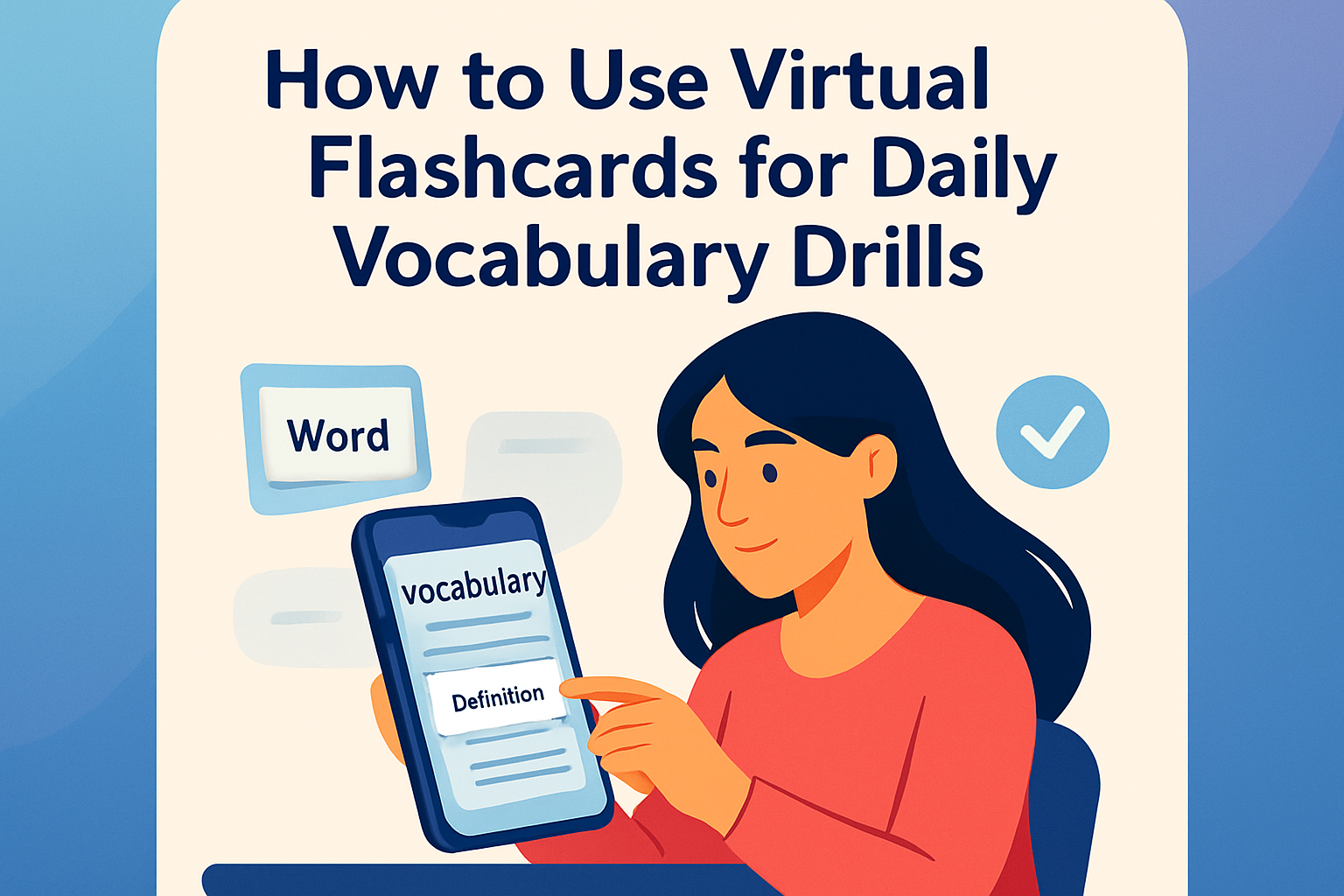
Virtual flashcards are designed to be used on computers, smartphones, or tablets. They consist of cards that have a question or prompt on one side and the answer or information on the other. This divide-and-conquer approach to learning encourages active recall, a learning technique that forces the learner to retrieve information from memory, which solidifies learning more effectively than passive study methods.
Consider the application Anki, which employs a spaced repetition system. Anki schedules cards to reappear at intervals optimized for long-term retention. For example, if you identify “pulchritudinous” as a vocabulary word, your virtual card might display its definition and examples of use, prompting you to recall it just as it is about to fade from memory.
- Active Recall: Forces learners to engage with content.
- Spaced Repetition: Cards are scheduled for reviews at calculated intervals.
- Real-Time Feedback: Immediate corrections when you forget or err.
In a real-world scenario, a student preparing for a standardized test like the SAT might input unfamiliar terms into a flashcard app. The app schedules these for daily review, ensuring that by test day, the student is proficient in these terms.
Choosing the Right Platform
With several virtual flashcard applications available both for free and purchase, choosing the right one can significantly affect your learning experience. Factors such as user interface, device compatibility, and specific study features are critical. Quizlet, for instance, offers a slick mobile and desktop experience with features that allow users to create and search for community-made flashcard sets. Another worthy mention is Memrise, which curates vocabulary enhancement with compelling visual aids and gamified elements.
Imagine a business professional learning industry-specific jargon. They might select Quizlet for its feature enabling them to access sets made by others in their field. The collaborative nature means people share high-quality content that has been vetted by industry peers.
Integrating Virtual Flashcards into Daily Routines
Consistency is key when using virtual flashcards for vocabulary drills. Carving out time each day, even if only a few minutes, to focus on flashcards can foster significant results. The portability of these tools has made it easier than ever to commit to learning anywhere — whether you’re on a bus, waiting for a meeting, or just relaxing at home.
A common approach involves setting specific goals like spending 15 minutes daily on a specific set of words. Over time, this incremental commitment leads to a cumulative build-up of vocabulary strength. For instance, a young professional commuting by train uses this time to engage with their English flashcard deck, making the ordinarily mundane journey productive and educational.
Enhancing Engagement with Multimedia
One substantial advantage of virtual flashcards over traditional paper versions is the ability to incorporate multimedia. These digital cards can include images, audio pronunciations, and even video clips, which help in retaining information through multisensory learning styles. Visual learners benefit from pictures associated with vocabulary words, auditory learners from sound bites or pronunciations, and kinesthetic learners from interactive features within the apps.
Suppose you’re tackling a language with tough pronunciations, such as Mandarin Chinese. Virtual flashcards apps allowing sound clips offer invaluable assistance. Listening to correct pronunciation repeatedly helps anchor the proper phonetic grasp of vocabulary words.
| Learning Style | Flashcard Feature | Benefit |
|---|---|---|
| Visual Learner | Images | Associates words with visual memory |
| Auditory Learner | Audio Clips | Retention through hearing pronunciation |
| Kinesthetic Learner | Interactive Elements | Engagement through touch/interaction |
Monitoring Progress and Adjusting Strategies
One of the further benefits virtual flashcards present is tracking and analytics. With the built-in ability to gauge progress over time, learners can identify strong and weak areas in their vocabulary learning. This information can guide adjustments, allowing students to spend more time on challenging words and less review on those mastered.
For example, Anki provides statistics that reveal which cards you’re struggling with, enabling you to review them more frequently. A learner mastering a new language, such as Spanish, could find that adjectives often trip them up. Using this insight, they might integrate more adjective-focused drills into their daily routine.
Conclusion: Elevating Vocabulary Through Digital Tools
Virtual flashcards have redefined the realm of vocabulary learning by offering flexibility, potential for personalization, and engagement techniques unmatched by their paper counterparts. The main takeaway of utilizing virtual flashcards is their ability to integrate seamlessly into everyday life, turning brief moments of downtime into opportunities for meaningful learning. By selecting the correct platform and establishing a routine, individuals can steadily acquire new words, enhancing their communicative abilities, cognitive function, and confidence in language use.
For readers seeking to transform their vocabulary actively, start by downloading a virtual flashcard app today. Begin with creating a set of ten new words, commit to daily five-minute sessions, and monitor progress as you gradually elevate your vocabulary prowess. Your next step? Dive into the digital world of vocabulary enhancement at your fingertips.
Frequently Asked Questions
1. How do virtual flashcards enhance vocabulary learning compared to traditional methods?
Virtual flashcards revolutionize vocabulary learning by providing an interactive and dynamic experience that traditional methods often lack. Unlike physical flashcards, virtual ones can offer a multisensory learning process by incorporating audio pronunciation, images, and even sentence examples within the flashcard. This multimodal approach not only makes the learning experience more engaging but helps in retaining new words more effectively.
Additionally, virtual flashcards are extremely convenient; they’re accessible from anywhere and at any time on your smartphone, tablet, or computer. This flexibility fits perfectly into a busy lifestyle where carrying a stack of physical cards isn’t always practical. Moreover, virtual flashcard apps often have spaced repetition algorithms that intelligently schedule reviews of vocabulary for optimal memory retention, a feature that traditional flashcards simply can’t replicate.
2. What are some of the best virtual flashcard apps available for daily vocabulary drills?
Several top-notch apps stand out in the realm of virtual flashcards, each tailored to different needs and preferences. Anki is renowned for its robust spaced repetition system, allowing users to efficiently retain large amounts of vocabulary. It’s highly customizable, letting you create decks exactly the way you want. Quizlet is another popular choice, offering a vast library of user-generated flashcard sets, alongside engaging features like study modes, games, and collaborative tools for group study sessions.
Another noteworthy option is Memrise, which combines flashcards with game-like features to make learning fun and effective. Its integration of repetition, coupled with multimedia (audio and video), helps mimic immersive language learning experiences. Brainscape, likewise, offers collaborative features and a slick user interface, with an emphasis on frequent repetition for cementing vocabulary into long-term memory.
3. How often should I use virtual flashcards to effectively expand my vocabulary?
Consistency is key when it comes to enhancing your vocabulary with virtual flashcards. Ideally, you should engage with your flashcards daily. Even short, consistent study sessions of about 15-20 minutes each day can lead to significant vocabulary growth over time. The beauty of virtual flashcards is their ability to fit seamlessly into small pockets of downtime throughout your day, such as during your morning commute or while waiting in line.
Most virtual flashcard apps implement spaced repetition algorithms, which suggest specific times to review your flashcards. By following these time recommendations, you can ensure you’re reviewing and reinforcing vocabulary just as you’re likely to start forgetting it, which is a proven method for increasing retention. Commit to this routine regularly, and you’ll see real progress in your vocabulary expansion.
4. Can I create my own custom flashcard sets tailored to my vocabulary needs?
Absolutely! Most virtual flashcard apps, such as Anki and Quizlet, offer robust customization options, allowing you to tailor flashcard sets specifically to your vocabulary goals. Creating personalized flashcards helps you target areas of interest or specific challenges you face, whether learning industry-specific terminology, preparing for a standardized test, or expanding vocabulary for a new language.
When creating custom sets, be sure to include a mix of new and challenging words, as well as familiar terms that need reinforcement. You can enrich your flashcards with images, sentences, or mnemonic devices that resonate with your learning style. Plus, the process of creating these flashcards can itself be a powerful learning tool, as it forces you to engage deeply with the material.
5. How do virtual flashcards cater to different learning styles?
Virtual flashcards are incredibly adaptable and can cater to various learning styles, making them suitable for all sorts of learners. Visual learners benefit from the integration of images or visual cues on flashcards, while auditory learners can take advantage of audio features that pronounce words and phrases. Kinesthetic learners can enjoy the interactive elements of the apps, such as swiping to reveal answers or engaging in touch-based game modes.
Moreover, many virtual flashcard apps allow for multimedia incorporation, such as text, audio, and visuals, ensuring a rich and varied learning experience. By customizing your flashcard experience to align with your personal learning style, you can maximize your learning effectiveness and enjoy a more personalized study experience.